What it does
Gojo’s dictation feature transcribes speech on your Mac and types the result into the active text field.
Why it is useful
It is useful when writing, replying, or capturing a thought is faster by voice, but you do not want to copy text from a separate transcription app.
Good to know
Dictation requires microphone permission and works best when the intended text field is active.
How Private on-device dictation works in Gojo
- Runs on-device without an API key or cloud transcription service
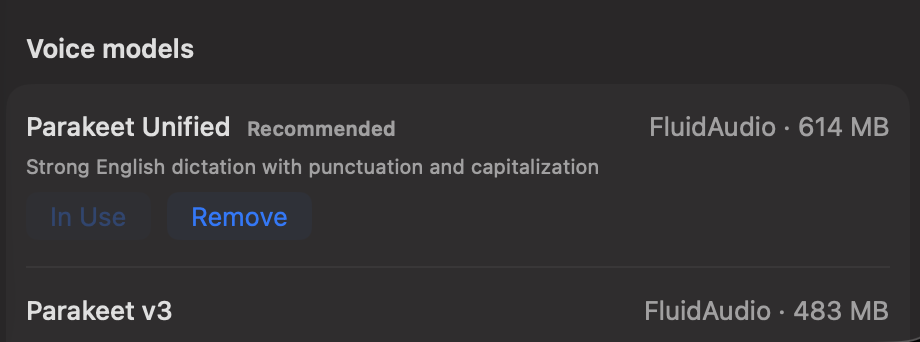
- Uses explicit local model choices
- Designed to type into the text field already in focus
One workspace, not another standalone utility
Private on-device dictation is one part of Gojo’s MacBook-notch workspace. Keep the tools you use visible, hide the rest, and reach media, windows, clipboard, files, display controls, and more from the same native surface.
Try it on your Mac
Put private on-device dictation one hover away.
Try every Gojo feature free for three days. No account or card required.
Signed & notarized · macOS 14+ · private by design