What it does
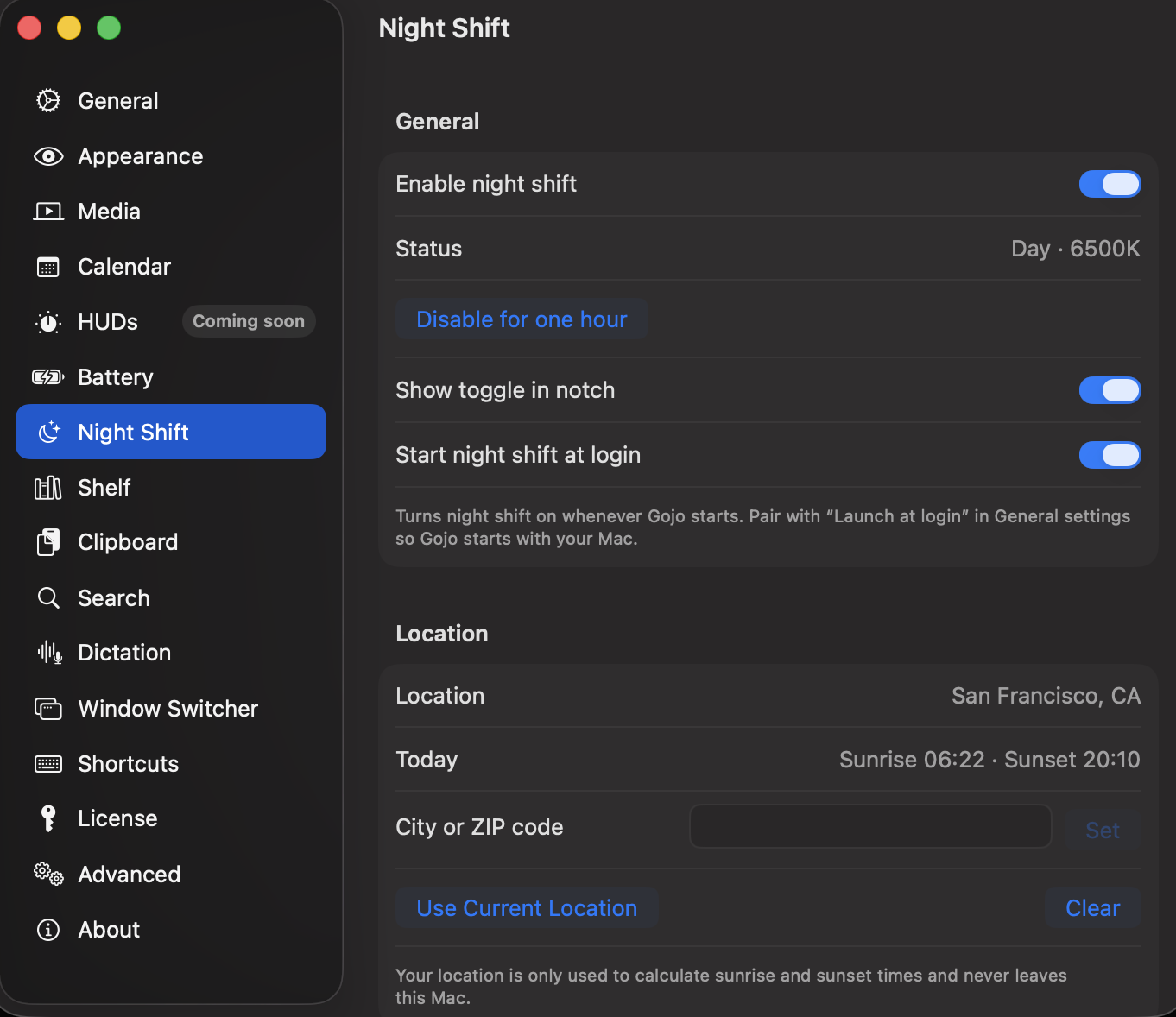
Gojo exposes display comfort controls, including Night Shift access, in its compact notch workspace.
Why it is useful
It is useful when you want to adjust screen warmth as the day changes without hunting through system settings or adding another menu-bar utility.
Good to know
The available display settings and their behavior are governed by macOS and your connected displays.
How Display comfort controls works in Gojo
- Quick access to Night Shift
- Display comfort controls in the notch workspace
- Keeps a display adjustment close to other daily utilities
One workspace, not another standalone utility
Display comfort controls is one part of Gojo’s MacBook-notch workspace. Keep the tools you use visible, hide the rest, and reach media, windows, clipboard, files, display controls, and more from the same native surface.
Try it on your Mac
Put display comfort controls one hover away.
Try every Gojo feature free for three days. No account or card required.
Signed & notarized · macOS 14+ · private by design